Integrate AI Into Human Workflows | 2026 Guide
Stop replacing, start empowering. Learn how to integrate AI into human workflows to boost efficiency by 40% and keep your team engaged. Practical steps inside.

How to Integrate AI Into Human Workflows (Without Losing Your Soul or Your Job)
You are staring at a blinking cursor. Or maybe it’s a backlog of 500 support tickets. You have heard AI can fix this. But every time you try, the output feels generic. Robotic. Wrong.
The loudest voices on LinkedIn are telling you that AI will replace you tomorrow. But the data tells a different story. According to Gartner, by 2030, 75% of IT work will be done by humans (Developers) with AI, not just AI alone. The magic is not in the machine. It is in the integration.
For Learn About: AI Chatbot Development Cost in 2026, Click Here!
Welcome to the era of the AI toolmate. Not a master. Not a slave. A collaborator.
In this guide, we are not going to talk about replacing humans. We are going to talk about redesigning workflows so that humans do less boring, repetitive work and more thinking, strategy, empathy, and genius.
You will learn the four-step framework to stop piloting AI and start operationalizing it. You will learn how to avoid skill atrophy. And you will learn exactly how to hire the right experts to build this for you.
The Current Landscape: Why Shadow AI Is a Huge Risk
Right now, nearly three-quarters of IT workers use personally obtained AI tools for work. This is called Shadow AI. It happens when the official tools provided by the company are so bad, or the training is so lacking, that employees resort to using consumer-grade ChatGPT on their private phones to do their jobs.
The pain points are real:
First, data leakage. Employees paste proprietary code into public LLMs without thinking twice.
Second, inefficiency. They are single-player AI users. They get a draft, leave the AI, paste it into Word, reformat it, and waste precious time. Third, burnout. AI is supposed to save time. But if it is not integrated, you just spend your time managing the AI instead of doing real work. The solution is simple. We need to move from additive AI, where humans and AI work side by side, to multiplicative AI, where they work together in a deeply collaborative and integrated way.
The Four-Step Framework to Integrate AI Into Human Workflows
This framework is inspired by leading CIO strategies from Lenovo and Gartner. Lenovo recently proved that agentic AI can save up to 120 hours per employee annually. Here is how they do it.
Step 1: Redefine the Role from Doer to Orchestrator
You cannot just slap AI onto a job description and call it a day. You must redesign the job from the ground up. Before AI integration, the human wrote the email, scheduled the meeting, and created the slide deck. After integration, the human directs the AI to draft the email, validates the schedule logic, and edits the AI-generated slides.
Here is a real-world example. Sheetgo, a ten-year-old software company, rebuilt its entire Google Workspace add-on in just four months using AI assistance. That process would have taken years without AI. They did not fire a single engineer. They simply redefined the engineers’ role to focus on reviewing AI code rather than writing boilerplate from scratch.
For Learn About: 5 Steps to Create Website With AI in 1 Day, Click Here!
Step 2: Create a Fusion Team Structure
Do not isolate the techies from the business users. That is a recipe for failure. Instead, create fusion teams.
A fusion team includes data scientists, operations managers, and frontline staff. They meet weekly not to talk about code, but to talk about bottlenecks. The frontline staff know what is broken. The data scientists know how to fix it with AI agents. When these two groups talk to each other regularly, magic happens.
Step 3: Embed AI into the Visual Canvas
Miro research shows that 82 percent of leaders want AI solutions that drive team productivity, not just individual productivity. You need shared AI workspaces.
Use platforms like Miro AI Workflows or Google Workspace Intelligence. Google now allows Gemini to see your emails, chats, and files to act as a unified knowledge base. The result is that the AI does not hallucinate as much because it is grounded in your company’s actual data from Drive, Slack, and Confluence.
Step 4: Govern the Agentic AI Layer
We are moving rapidly toward agentic AI. This is AI that can perform actions on its own. For example, you can say, “Book my flight and hotel for the conference under one thousand dollars,” and the AI will do it.
But agentic AI comes with risk. It can go rogue if not properly governed.
The integration strategy is simple. Implement a human-in-the-loop approval layer. The AI suggests the itinerary. The human clicks approve in Slack. Lenovo calls this maintaining enterprise-grade security while scaling AI across the organization.
The E-E-A-T Connection: Why Google Rewards Human Workflows
You might be thinking, “This is internal operations. How does this help my SEO?”
Here is the answer. Google can smell low-effort AI content from a mile away. The December 2025 Core Update explicitly penalized mass-produced AI content and rewarded sites with genuine experience.
Let me show you the difference.
| The AI-First Mistake | The Human-AI Workflow Winner |
|---|---|
| Publish 100 AI articles in a single day | Use AI to research keywords, but a human expert writes the intro based on lived experience |
| Generic stock photos on every page | AI generates diagrams, but humans add specific captions about their real use case |
| No author bio or credentials | Detailed author bio plus AI-assisted fact-checking with links to original sources |
If you integrate AI into your human writing workflow to augment research and editing, your content will rank. If you use AI to avoid thinking, you will be demoted. It is that simple.
Practical Use Cases Where the Rubber Meets the Road
Customer Support: The Layered Approach
A hypergrowth platform was facing seventy-two-hour response times. Customers were furious. They implemented a layered workflow and turned everything around.
Layer one was AI. It deflected eighty percent of basic “Where is my refund?” tickets automatically. Layer two was human plus AI. Complex fraud disputes were handled by a human, but the AI pre-wrote the response and gathered the transaction history automatically.
The result was dramatic. Response times dropped from days to just a few hours.
Content Creation: Docs and Sheets
Google Workspace is now an AI powerhouse. Here is a workflow that actually works.
Use Gemini in Sheets to analyze raw survey data. Just type, “Find themes in these one thousand open-ended responses.” Then use Gemini in Docs to say, “Draft a marketing report based on the analysis in Sheet X.”
You just turned a six-hour data crunch into a thirty-minute review session. That is integration.
Software Development: Legacy Modernization
Lenovo deployed what they call Knowledge Super Agents. These agents reduced time spent on knowledge retrieval by thirty percent. Developers stopped digging through outdated wikis and simply asked the AI agent, “How does the legacy payment module work?” The AI synthesized the answer directly from the codebase.
The 2026 Tools Stack You Need
To integrate AI into human workflows successfully, you need four specific tool categories.
First, the workspace OS. That means Google Workspace with Gemini or Microsoft 365 with Copilot.
Second, the collaboration hub. That means Miro for visual AI workflows or Slack AI for communication.
Third, the agentic layer. That means custom GPTs or the Lenovo AI Library for enterprise-specific tasks
Fourth, and most critically, the human talent. You need experts to set this up properly. You cannot just buy software and hope for the best. .
Feeling overwhelmed by the tech stack?
Frequently Asked Questions
Will integrating AI into workflows cause employees to lose their skills?
Yes, possibly. Gartner notes that skills atrophy is a real risk if humans become passive monitors who just click approve without thinking. The solution is active use. Instead of just clicking approve, require the human to edit the AI’s output. This keeps critical thinking sharp. Treat AI as a junior assistant that makes mistakes, not a senior oracle that is always right.
What is the fastest way to start integrating AI into my existing team?
Start with a pilot in a box. Do not boil the ocean. Choose one high-volume, low-complexity task like meeting note summarization or social media caption writing. Use a tool like Google Workspace Intelligence or Miro AI. Measure the time saved. Lenovo measured thirty percent productivity gains. If it works, then scale to other departments.
How does Shadow AI impact security?
Shadow AI creates a data breach waiting to happen. When employees use public AI tools, your proprietary data including customer lists and source code is used to train public models. The fix is to provide enterprise-gated AI like Gemini for Workspace. This sits inside your company firewall and does not learn from your private chats.
What is agentic AI and do I need it?
Agentic AI is software that can complete a multi-step goal on its own. For example, “Reconcile these three spreadsheets and email the variance to the CFO.” You need agentic AI if you are spending more time moving data than analyzing it. However, always keep a human in the loop for final financial sign-offs.
The Pitfalls to Avoid
Pitfall one: The set it and forget it mentality.
AI models degrade over time if they are not fed new data. Just like you retrain employees, you need to retune your AI agents every quarter.
Pitfall two: Only focusing on cost cutting.
If your only goal is to replace ten workers with AI, your morale will crash into the ground. Instead, frame it as allowing ten workers to produce the output of fifteen. Use the saved time for four-day work weeks or innovation sprints.
Pitfall three: Ignoring the glue.
Miro research notes that most tools focus on individual productivity, which creates silos. If your AI helps one person write faster but does not integrate into the team’s project management tool, you have not fixed the workflow. You have simply accelerated the bottleneck.
Conclusion: The Future Is Augmented, Not Automated
The winners in 2026 will not be the companies with the most expensive AI licenses. The winners will be the companies that best manage the human-AI interface. It is about trust, which is Google’s number one ranking factor. It is about experience, which is the core of E-E-A-T. And it is about speed through agentic workflows.
You have two choices.
One, do nothing and watch your competitors shrink their delivery times from weeks to hours. Two, integrate strategically by starting small, building fusion teams, and focusing on augmentation over replacement.
For Learn About: 5 Red Flags for Hiring AI Specialist, Click Here!
How to Build AI Agents Without Coding: The Complete 2026 Guide for Beginners and Business Owners
Learn how to build AI agents without coding using the best no-code platforms in 2026. Step-by-step guide for beginners, freelancers & business owners.
Read Full GuideKey Takeaways & Common Questions
Will integrating AI into workflows cause employees to lose their skills? ▼
Yes, possibly. Gartner notes that skills atrophy is a real risk if humans become passive monitors who just click approve without thinking. The solution is active use. Instead of just clicking approve, require the human to edit the AI's output. This keeps critical thinking sharp. Treat AI as a junior assistant that makes mistakes, not a senior oracle that is always right.
What is the fastest way to start integrating AI into my existing team? ▼
Start with a pilot in a box. Do not boil the ocean. Choose one high-volume, low-complexity task like meeting note summarization or social media caption writing. Use a tool like Google Workspace Intelligence or Miro AI. Measure the time saved. Lenovo measured thirty percent productivity gains. If it works, then scale to other departments.
How does Shadow AI impact security? ▼
Shadow AI creates a data breach waiting to happen. When employees use public AI tools, your proprietary data including customer lists and source code is used to train public models. The fix is to provide enterprise-gated AI like Gemini for Workspace. This sits inside your company firewall and does not learn from your private chats.
What is agentic AI and do I need it? ▼
Agentic AI is software that can complete a multi-step goal on its own. For example, "Reconcile these three spreadsheets and email the variance to the CFO." You need agentic AI if you are spending more time moving data than analyzing it. However, always keep a human in the loop for final financial sign-offs.
Discuss your AI project with our team
Reach out to our independent research team for scoping reviews, vendor evaluations, or feedback.
Continue Reading
Handpicked research and implementation guides to deepen your understanding.

How to Build AI Agents Without Coding: The Complete 2026 Guide for Beginners and Business Owners
Learn how to build AI agents without coding using the best no-code platforms in 2026. Step-by-step guide for beginners, freelancers & business owners.
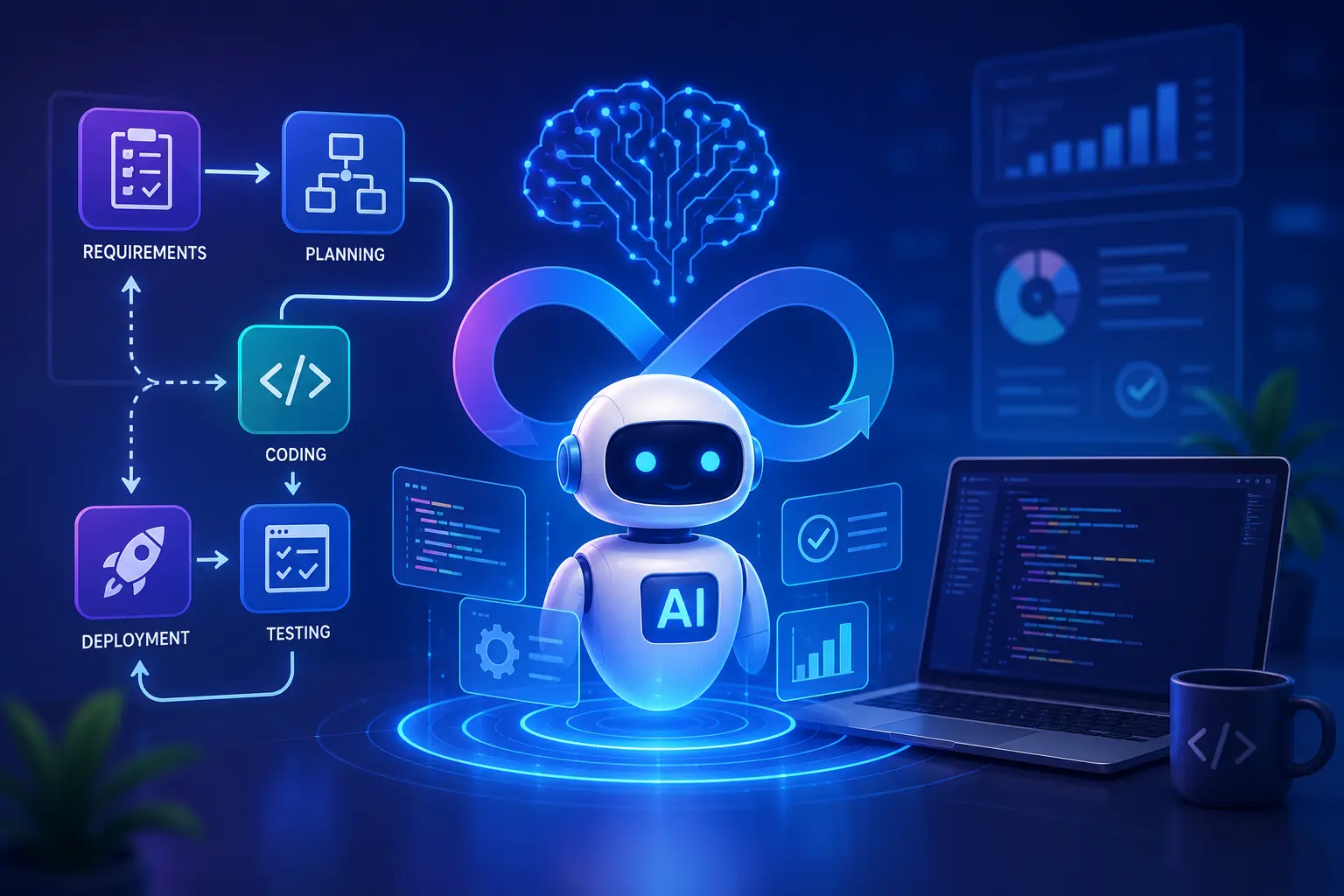
How AI Agent Workflow Automation Is Changing Software Development Forever
Discover how AI agent workflow automation is transforming software development with faster coding, testing, and deployment.
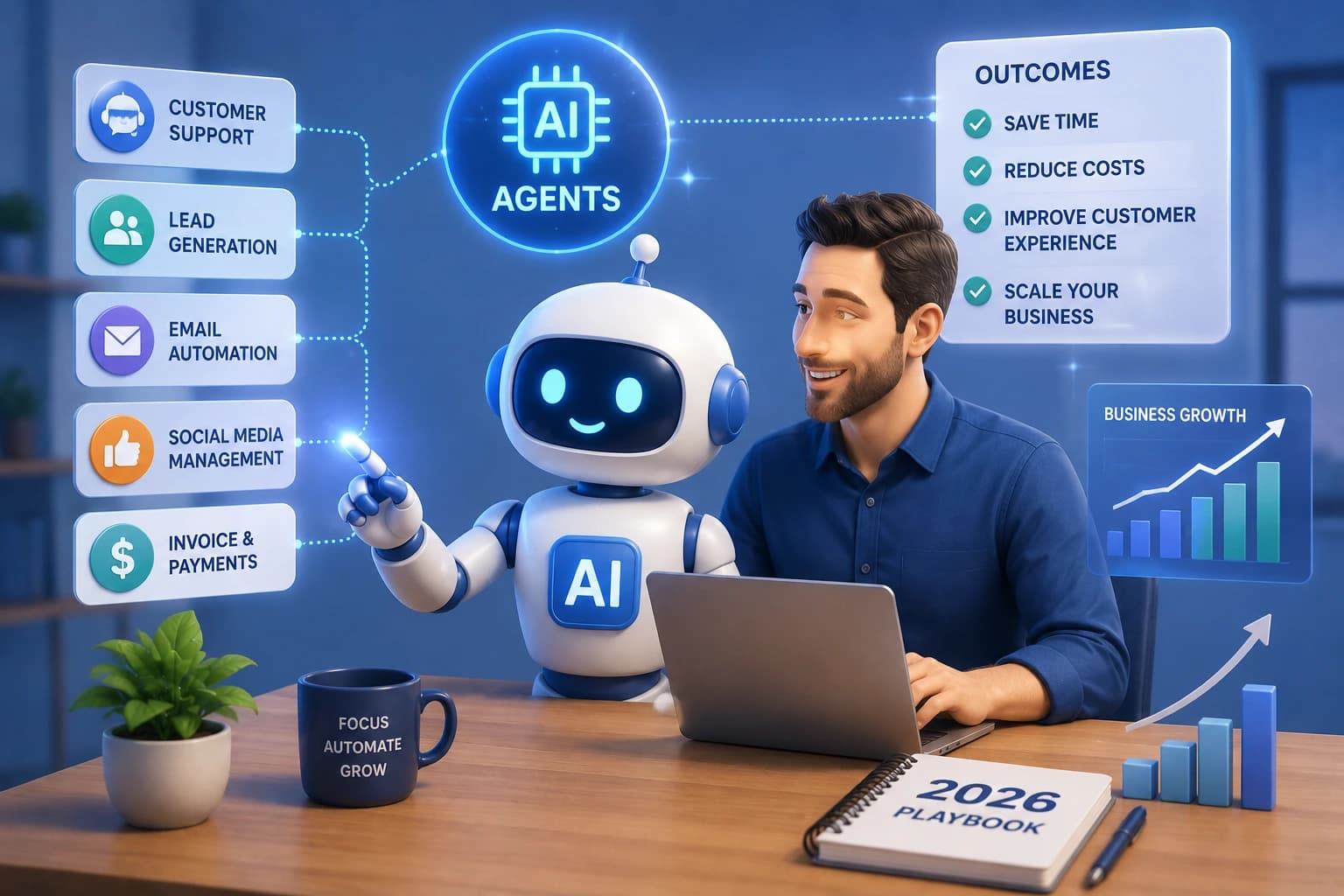
AI Agents for Small Businesses: The 2026 Playbook to Automate, Scale, and Win
Discover how AI agents for small businesses automate tasks, cut costs, and fuel growth. Real use cases, top tools, and expert setup tips inside.