How to Build AI Agents Without Coding: The Complete 2026 Guide for Beginners and Business Owners
Learn how to build AI agents without coding using the best no-code platforms in 2026. Step-by-step guide for beginners, freelancers & business owners.

You have heard the hype. AI agents are taking over repetitive work, automating customer support, generating reports, and handling entire business workflows from start to finish. The one thing holding most people back from using them? The assumption is that you need to know how to code. That assumption is no longer true. In 2026, a wave of no-code platforms will make it genuinely possible for non-technical users, freelancers, entrepreneurs, and small business teams to build fully functional AI agents in an afternoon. No Python, no APIs, and no developer required.
This guide shows you exactly how to build AI agents without coding, which platforms work best for different use cases, and what mistakes to avoid when you are just getting started. Whether you want to automate email replies, qualify leads, summarise documents, or manage multi-step workflows, this step-by-step breakdown is built for you.
For Learn About: When Should I Use AI vs When Should I Skip It? Click Here!
**Need Someone to Build Your AI Agent For You?**
AI Automation Specialist
What Is an AI Agent and Why Does It Matter in 2026?
An AI agent is a system that receives an instruction, decides what steps to take, uses tools or data, and produces an output, often without any further input from you. Unlike a basic chatbot that follows a script, an AI agent can make decisions, chain multiple actions together, and adapt based on context. Think of it this way: a chatbot can tell you how to write a cold email. An AI agent can take a new lead from your website form, research their company, draft a personalised email, and add it to your CRM all automatically.
For Learn About: 5 Red Flags When Hiring an AI Specialist, Click Here!
The market has taken notice. According to Gartner, 40 percent of enterprise applications will embed agentic AI capabilities by the end of 2026, up from less than 1 percent in 2024. Grand View Research values the AI agent market at $7.84 billion in 2025, projected to reach $52.62 billion by 2030 at a 31 percent compound annual growth rate. For small businesses, freelancers, and solo operators, this is not a trend to watch from the sidelines. It is a practical toolset available right now.
AI Agent vs Traditional Chatbot
| Feature | Traditional Chatbot | AI Agent |
|---|---|---|
| Decision making | Follows a fixed script | Makes contextual decisions |
| Multi-step tasks | Not supported | Handles chains of actions |
| Tool use | Limited or none | Web search, CRM, email, files |
| Adaptation | Static responses | Adapts based on context |
| Setup required | Technical scripting | No-code visual builders available |
Do You Really Need to Code to Build an AI Agent?
The short answer is no. Modern no-code platforms have removed the technical barrier that once made AI agents the exclusive territory of software developers. What you do need is a clear idea of the problem you want to solve. The platforms handle the logic, the API connections, and the execution. Your job is to define the goal, connect the right tools, and test the output. No-code AI agent builders let you define agent behaviour through visual interfaces, natural language prompts, drag-and-drop workflows, and pre-built templates. Some platforms even let you describe what you want in plain English, and the system builds the agent for you.
According to Gartner, more than 80 percent of new software applications will come from non-technical users through low-code or no-code tools by 2026. That shift is already well underway.
For Learn About: What Jobs Will AI Replace by 2030, Click Here!
Best No-Code AI Agent Platforms in 2026
Not every platform works the same way. Here is a breakdown of the most reliable no-code AI agent builders available today, each suited to a different skill level and use case.
1\. Zapier Agents
Zapier is the most beginner-friendly option. With more than 8,000 integrations, Zapier Agents lets you automate workflows across CRMs, email platforms, forms, and databases without any technical setup. You describe what you want in plain language and Zapier Copilot builds the workflow for you.
Best for: Beginners, solopreneurs, and small teams working with standard SaaS tools.
2\. Make (formerly Integromat)
Make offers a visual canvas for designing automation scenarios using nodes and connections. It supports over 1,500 integrations and handles complex branching logic well. Make introduced Maia, an AI assistant that builds automation scenarios from natural language, making the platform significantly more accessible.
Best for: Teams that need visual control over conditional logic and data transformation.
3\. n8n
n8n 2.0, launched in January 2026, is the most powerful option here. It includes native LangChain integration, 70+ AI nodes, persistent agent memory, and the option to self-host for data privacy. More technical than Zapier or Make, but still accessible to users comfortable with logical thinking.
Best for: Technical teams, freelancers building client solutions, and businesses handling sensitive data.
4. Taskade Genesis
Taskade Genesis focuses on agentic workflows and multi-agent patterns. It supports cloneable templates for five common agent archetypes and is one of the fastest platforms for getting a working agent live without prior experience.
Best for: Content teams, project managers, and individuals who want pre-built agent templates.
5. Gumloop
Gumloop is the easiest platform for first-time builders. Built-in model credits, a Slack-native trigger system, and a clean interface make it the fastest way to launch your first AI agent with zero prior configuration.
Best for: Absolute beginners and anyone wanting to test an idea quickly.
No-Code AI Agent Platform Comparison 2026
| Platform | Ease of Use | Integrations | AI Agent Features | Best For | Free Tier |
|---|---|---|---|---|---|
| Zapier | Very Easy | 8,000+ | Agents + Copilot (natural language) | Beginners, SaaS teams | Yes |
| Make | Easy-Medium | 1,500+ | Maia AI + visual logic builder | Visual workflow designers | Yes |
| n8n | Medium | 400+ | LangChain, memory, 70+ AI nodes | Technical freelancers & teams | Yes (self-host) |
| Taskade | Easy | Limited | Multi-agent templates | Project & content teams | Yes |
| Gumloop | Very Easy | Moderate | Built-in model credits | First-time builders | Yes |
How to Build an AI Agent Without Coding: Step-by-Step
Here is a practical walkthrough using Zapier as the example platform. The same logic applies across Make, n8n, and Taskade.
Step 1: Define a Narrow, Specific Goal
The biggest mistake first-time builders make is trying to create a universal agent that does everything. Start with one repetitive task that costs you real time each week. Good starting points include: automatically replying to new lead enquiries, summarising incoming emails, triaging support tickets, or pulling daily data into a report.
Step 2: Choose Your Platform and Sign Up
Sign up for Zapier or any platform from the comparison table above. Use the free tier to start. You do not need a credit card for initial testing on most platforms.
Step 3: Set Your Trigger
A trigger is the event that activates your agent. Common triggers include a new email arriving, a form being submitted, a row being added to a spreadsheet, or a message appearing in Slack. Select the app and the triggering event from a dropdown menu.
Step 4: Write Your AI Prompt (The Most Important Step)
This is where the intelligence lives. In Zapier, you add an AI step that processes the trigger data using a language model. You write a prompt telling the AI what to do with the information. Example prompt: “You are a customer support assistant. Read this incoming email and write a professional reply in 3 to 5 sentences that directly addresses the customer’s question. End with a clear next step.”
The quality of your agent’s output depends almost entirely on how clearly you write this instruction. Specific prompts produce specific results. Vague prompts produce vague results.
Step 5: Connect an Output Action
After the AI generates its output, connect it to the next step: send a reply, update the CRM, post to Slack, or save to Google Sheets. The output action is what makes the agent useful in the real world.
Step 6: Test with Real Data
Run at least 10 to 15 test scenarios before going live. Include edge cases like blank fields, unusual inputs, and ambiguous messages. Most agents need two or three prompt revisions before producing consistently reliable results.
Step 7: Deploy and Monitor
Once the agent performs reliably, turn it on. Monitor the first 20 to 30 live runs and set up error alerts. Most platforms include built-in execution logs to help you spot failures quickly.
For Learn About: 5 Steps to Create a Website With AI in 1 Day, Click Here!
Figure 1: No-Code AI Agent Build Roadmap
| Stage | What You Do | Time Required |
|---|---|---|
| 1. Define Goal | Choose one specific repetitive task to automate | 15 minutes |
| 2. Pick Platform | Sign up for Zapier, Make, n8n, or Gumloop | 10 minutes |
| 3. Set Trigger | Select the event that activates the agent | 10 minutes |
| 4. Write Prompt | Tell the AI what to do with incoming data | 20 minutes |
| 5. Connect Output | Link the result to an app, email, or database | 10 minutes |
| 6. Test & Refine | Run tests and adjust your prompt for accuracy | 30 minutes |
| 7. Deploy | Activate the agent and monitor first results | 5 minutes |
7 Real-World AI Agent Use Cases (No Code Required)
Abstract examples are hard to act on. Here are specific situations where a no-code AI agent delivers immediate, measurable value:
- Lead qualification agent: When a contact form is submitted, the agent researches the company, scores the lead, and sends a personalised intro email.
- Email triage agent: Reads incoming support emails, categorises by urgency and topic, drafts replies, and routes tickets to the right team member.
- Content repurposing agent: Takes a blog post URL, extracts key points, and generates LinkedIn posts, tweet threads, and a newsletter summary automatically.
- Invoice processing agent: Reads incoming invoice emails, extracts line items and totals, and logs them to your accounting spreadsheet.
- Daily briefing agent: Pulls data from your CRM, calendar, and email each morning and sends a plain-English summary of your day.
- Customer onboarding agent: When a new client signs up, it sends a welcome email sequence, creates their project folder, and notifies your team in Slack.
- Competitor monitoring agent: Searches weekly for news about competitor brands and emails a structured summary of key developments.
For Learn About: AI Tools for Reducing Operational Costs, Click Here!
**Want a Custom AI Agent Built for Your Business?**
If you would rather have an expert handle the setup, connect with a specialist directly:
Free 15-minute consultation. The first agent delivered within 48 hours.
SEO Keyword Cluster Map and Internal Linking Strategy
Editorial note: This section documents the keyword strategy and internal linking plan for this article.
Keyword Cluster Map
| Cluster | Primary Keyword | LSI / Secondary Keywords | Search Intent |
|---|---|---|---|
| Core Topic | how to build AI agents without coding | build AI agents no code, no-code AI agent builder | Informational |
| Platform Research | best no-code AI agent platforms 2026 | Zapier AI agents, Make.com AI, n8n agents | Commercial Investigation |
| Use Cases | AI workflow automation for business | automate tasks without programming, AI agent examples | Informational |
| Beginner Guide | AI agents for beginners | Create an AI agent without a developer, AI agent step by step | Informational |
| Comparison | Zapier vs Make vs n8n AI agents | no-code automation comparison, AI agent tools | Commercial Investigation |
| Voice / FAQ | what is an AI agent | how do AI agents work, do I need coding for AI agents | Voice Search / Informational |
Internal Linking Suggestions
| Anchor Text Keyword | Suggested Target Article | Placement in This Article |
|---|---|---|
| no-code AI agent builder | Your comparison post on AI agent tools | Section 3: Best Platforms |
| AI workflow automation | Your AI automation for small business guide | Section 5: Use Cases |
| Write better AI prompts | Your prompt engineering guide | Step 4: Write Your Prompt |
| hire an AI automation expert | Your service landing page/portfolio | All CTA sections |
| AI agents for freelancers | Your freelancer AI tools guide | Introduction |
Common Mistakes to Avoid When Building Your First AI Agent
Trying to Automate Everything at Once
Scope creep is the most common failure point. A first-time builder attempts to create an agent that manages their entire sales process, and the whole thing collapses because there are too many variables. Start with one task, prove it works, then expand.
Writing Vague Prompts
The instruction you write for your AI step is the heart of your agent. Vague prompts produce vague results. Instead of “Reply to emails,” write: “You are a friendly customer support assistant. Read the incoming email and write a professional reply in 3 to 5 sentences that directly addresses the question. End with a clear next step.”
Skipping Thorough Testing
Deploying an untested agent on live customer data is a risk no business should take. Run at least 10 to 15 test scenarios before going live, including edge cases like blank fields, unusual inputs, and ambiguous messages.
Not Monitoring After Launch
Even well-built agents break when input data changes unexpectedly. Set up error notifications and review agent performance weekly for the first month. Most platforms provide built-in logging to help you identify failures fast.
For Learn About: Integrate AI Into Human Workflows, Click Here!
Frequently Asked Questions
These answers are structured for featured snippets, People Also Ask boxes, and voice search queries.
Can I really build an AI agent without knowing how to code?
Yes. No-code platforms like Zapier, Make, n8n, and Gumloop let you build fully functional AI agents using visual interfaces, drag-and-drop tools, and natural language prompts. You define what the agent should do, connect the relevant apps, and test the output. No programming knowledge is required, though a basic grasp of logical workflows will help you build better agents faster.
What is the easiest platform to build an AI agent without coding?
Zapier is the easiest platform for beginners because of its simple interface and the largest app library with over 8,000 integrations. Gumloop is also very beginner-friendly with built-in AI model credits so you can start immediately without any additional setup. For more visual control with moderate complexity, Make is a strong second choice.
How long does it take to build an AI agent without coding?
A simple AI agent, such as one that reads incoming emails and drafts replies, can be built and deployed in under two hours on a no-code platform. More complex agents involving multiple steps, data lookups, and conditional logic may take a few days to design, test, and refine. Build time depends mostly on how clearly you define the goal before you start.
Are no-code AI agents suitable for real business use?
Yes. Teams across sales, customer support, marketing, and operations are using no-code AI agents in live production environments. Platforms like n8n and Make handle thousands of automations daily for real businesses. The key is clear scope, thorough testing, and consistent monitoring after deployment.
What tasks are AI agents best at automating without code?
AI agents excel at tasks that are repetitive, text-heavy, and rules-based. Top examples include lead qualification, email triage, customer support replies, content repurposing, invoice processing, daily data summaries, and social media scheduling. Any task where you do the same thing with slightly different inputs every day is a strong candidate for AI agent automation.
AI Agent Quick-Reference Guide — Which Path Is Right for You?
| Your Situation | Recommended Platform | Time to First Agent | Key Feature |
|---|---|---|---|
| Complete beginner | Gumloop or Zapier | Under 2 hours | Natural language agent builder |
| Small business owner | Zapier or Make | 2 to 4 hours | Pre-built app integrations |
| Freelancer or agency | n8n or Make | Half a day | Multi-step workflow + client delivery |
| Technical but not a developer | n8n | 1 to 2 days | LangChain + persistent agent memory |
| Need it done for you | Custom Freelance Build | 48 hours | Expert custom build |
Conclusion: Your First AI Agent Is Closer Than You Think
Building AI agents without coding is not a future skill. It is a present-day capability accessible to anyone willing to spend an afternoon with the right tool. The platforms are mature, the templates are ready, and the use cases are proven across industries.
Start with one specific task that costs you time each week. Choose a platform that matches your comfort level, write a clear prompt, connect your apps, and test the output. That is genuinely all it takes to launch your first working AI agent.
The difference between businesses that scale efficiently in 2026 and those that struggle is increasingly whether they have put intelligent automation to work. You do not need a development team or a large budget. You need a clear problem and 90 minutes.
If you are ready to move faster or need something more complex built properly, working with an experienced AI automation specialist will save you significant time and guesswork.
For Learn About: AI Chatbot Development Cost, Click Here!
**Ready to Automate Your Business With AI Agents?**
✅ Build it yourself: Start free on Zapier, Make, or n8n
How AI Agent Workflow Automation Is Changing Software Development Forever
Discover how AI agent workflow automation is transforming software development with faster coding, testing, and deployment.
Read Full GuideKey Takeaways & Common Questions
Can I really build an AI agent without knowing how to code? ▼
Yes. No-code platforms like Zapier, Make, n8n, and Gumloop let you build fully functional AI agents using visual interfaces, drag-and-drop tools, and natural language prompts. You define what the agent should do, connect the relevant apps, and test the output. No programming knowledge is required, though a basic grasp of logical workflows will help you build better agents faster.
What is the easiest platform to build an AI agent without coding? ▼
Zapier is the easiest platform for beginners because of its simple interface and the largest app library with over 8,000 integrations. Gumloop is also very beginner-friendly with built-in AI model credits so you can start immediately without any additional setup. For more visual control with moderate complexity, Make is a strong second choice.
How long does it take to build an AI agent without coding? ▼
A simple AI agent, such as one that reads incoming emails and drafts replies, can be built and deployed in under two hours on a no-code platform. More complex agents involving multiple steps, data lookups, and conditional logic may take a few days to design, test, and refine. Build time depends mostly on how clearly you define the goal before you start.
Are no-code AI agents suitable for real business use? ▼
Yes. Teams across sales, customer support, marketing, and operations are using no-code AI agents in live production environments. Platforms like n8n and Make handle thousands of automations daily for real businesses. The key is clear scope, thorough testing, and consistent monitoring after deployment.
What tasks are AI agents best at automating without code? ▼
AI agents excel at tasks that are repetitive, text-heavy, and rules-based. Top examples include lead qualification, email triage, customer support replies, content repurposing, invoice processing, daily data summaries, and social media scheduling. Any task where you do the same thing with slightly different inputs every day is a strong candidate for AI agent automation.
Discuss your AI project with our team
Reach out to our independent research team for scoping reviews, vendor evaluations, or feedback.
Continue Reading
Handpicked research and implementation guides to deepen your understanding.
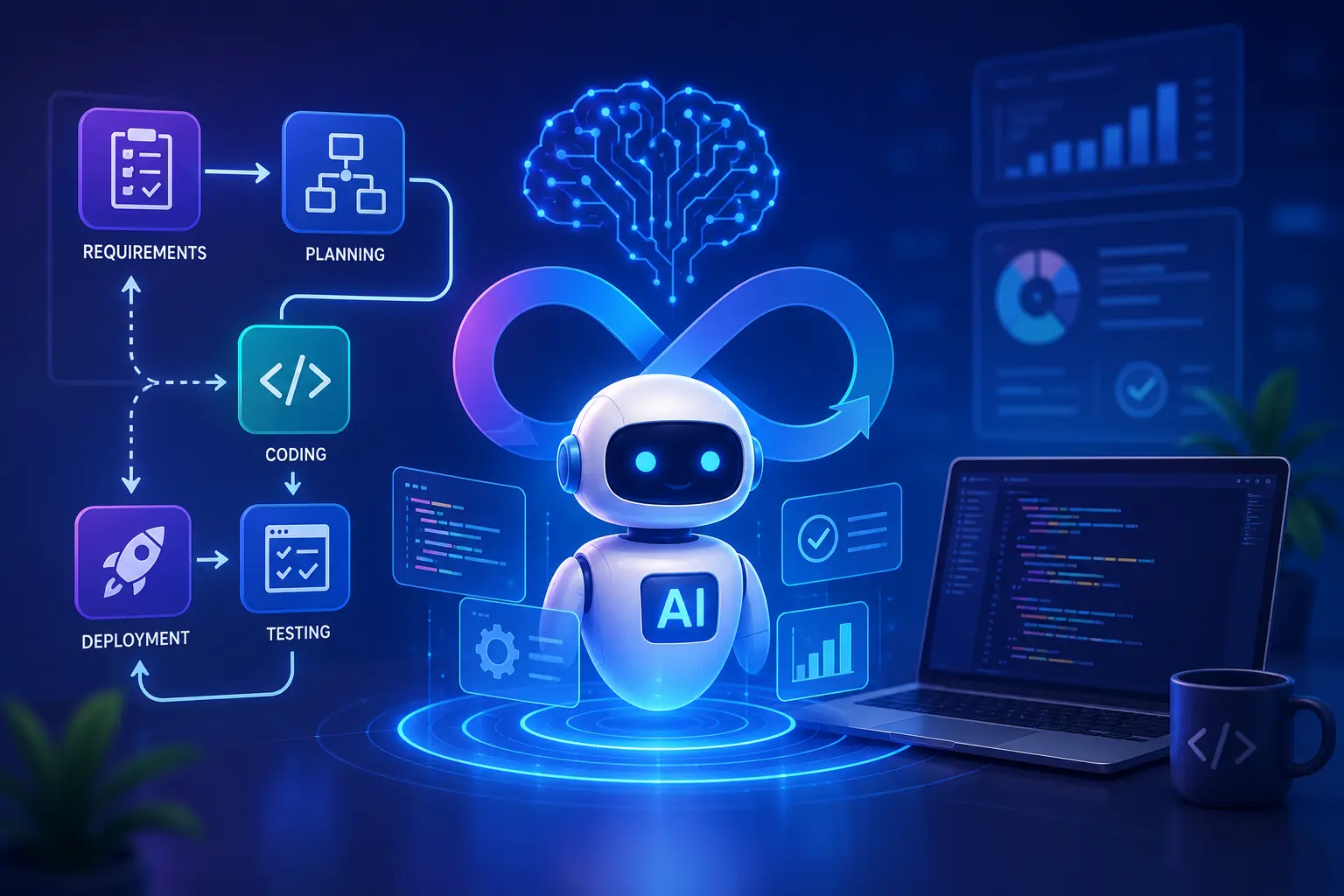
How AI Agent Workflow Automation Is Changing Software Development Forever
Discover how AI agent workflow automation is transforming software development with faster coding, testing, and deployment.

Integrate AI Into Human Workflows | 2026 Guide
Stop replacing, start empowering. Learn how to integrate AI into human workflows to boost efficiency by 40% and keep your team engaged. Practical steps inside.
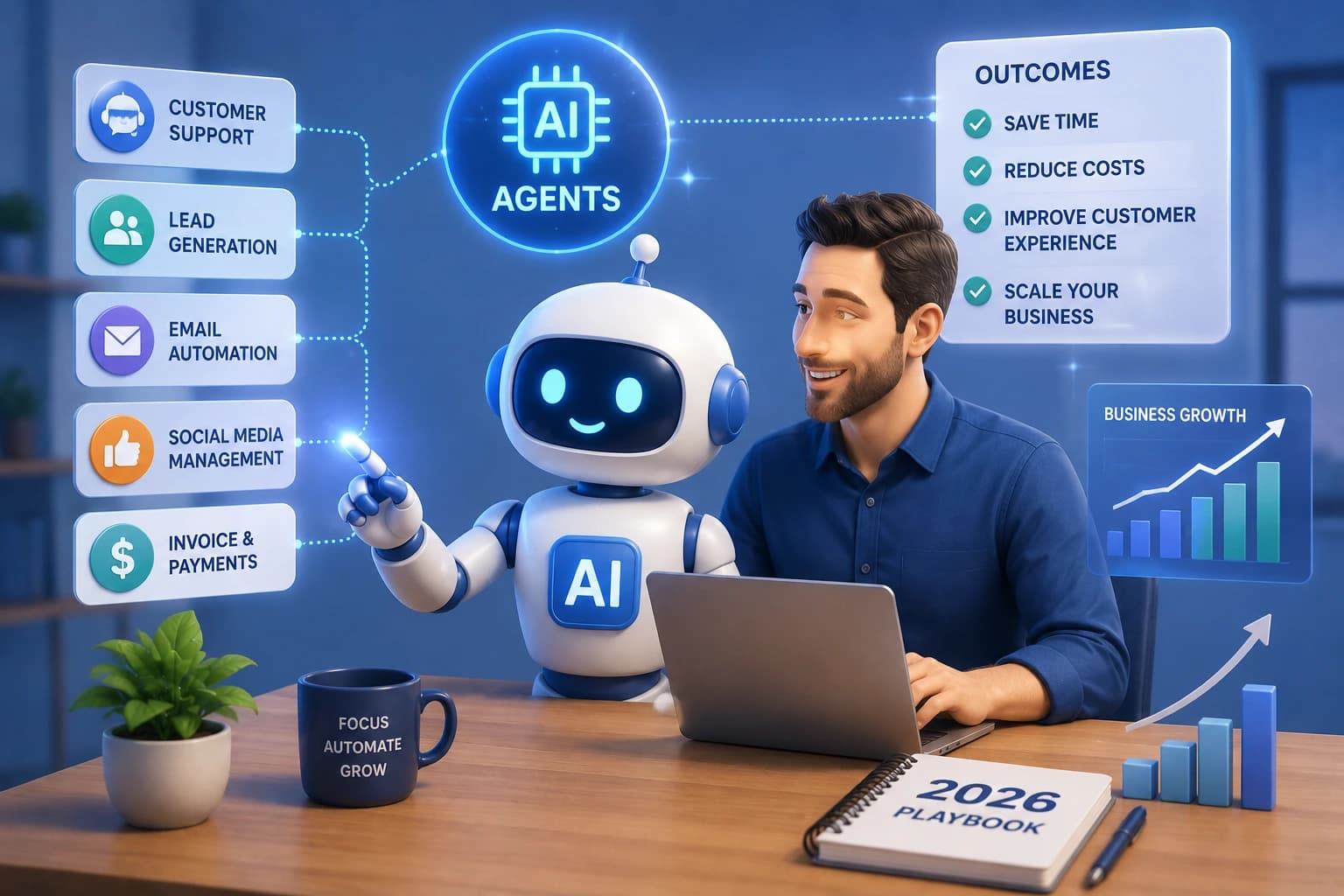
AI Agents for Small Businesses: The 2026 Playbook to Automate, Scale, and Win
Discover how AI agents for small businesses automate tasks, cut costs, and fuel growth. Real use cases, top tools, and expert setup tips inside.