When Should I Use AI vs. When Should I Skip It? A Practical Guide
Learn when AI adds real business value & when it's better to avoid it. Make smarter, cost-effective decisions with this practical AI adoption guide.
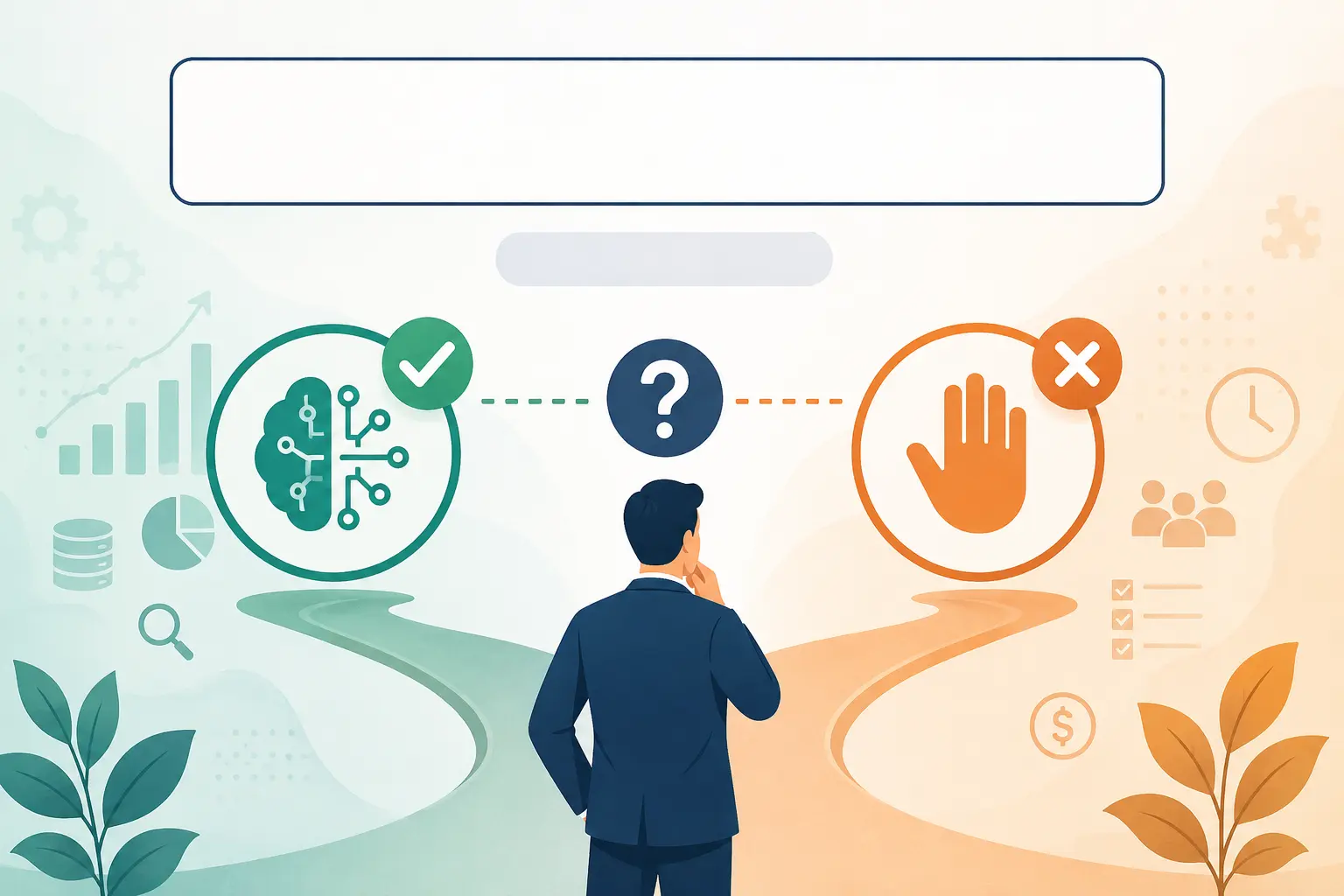
Artificial intelligence (AI) is everywhere in 2026. From writing emails and answering customer questions to analyzing data and automating workflows, AI tools promise to save time and reduce costs. But here’s the question many business owners, marketers, and founders are asking:
For Learn About: When AI Is Overkill for Your Business, Click Here!
**Should I use AI for this task or am I better off doing it myself?**
The truth is that AI is neither a magic solution nor something to avoid entirely. Used in the right situations, it can significantly improve productivity and free your team to focus on higher-value work. Used in the wrong situations, it can create inaccurate results, damage customer trust, and cost more than it saves.
This guide will help you make smarter decisions by showing you:
- When AI delivers the biggest return on investment (ROI)
- When human expertise is still the better choice
- Real-world examples of successful AI adoption
- A practical framework for deciding whether to automate
- Common mistakes businesses should avoid
By the end, you’ll have a clear decision-making process instead of relying on hype or guesswork.
**Need Expert Help Before Investing in AI?**
Many businesses spend thousands of dollars on AI tools they never fully use. Before you automate a workflow or build an AI chatbot, it’s worth validating whether AI is actually the right solution for your business.
If you’re looking for practical AI strategy, custom AI agents, chatbots, or workflow automation, you can work with us through our trusted freelance profiles:
**What Is AI Really Good At?**
**Short Answer**
AI performs best when a task is repetitive, data-driven, rule-based, or time-consuming. It can process information much faster than humans and work around the clock without fatigue.
Rather than replacing people, think of AI as an assistant that handles repetitive work so humans can focus on strategy, creativity, and decision-making.
For Learn About: How Much Does It Cost to Add AI to a SaaS? Click Here!
**Use AI When Tasks Are Repetitive**
One of the biggest strengths of AI is automation. If your team performs the same task hundreds of times each week, there’s a good chance AI can help.
Examples include:
| Task | AI Benefit |
|---|---|
| Responding to common customer questions | Instant replies 24/7 |
| Sorting emails | Faster organization |
| Scheduling appointments | Reduced manual work |
| Invoice processing | Lower administrative costs |
| Data entry | Fewer repetitive tasks |
For example, an eCommerce business receiving hundreds of customer inquiries about shipping times can use an AI chatbot to answer common questions instantly. This reduces support workload while allowing human agents to focus on complex customer issues.
**Use AI for Large-Scale Data Analysis**
Humans are excellent at interpreting information, but analysing millions of data points manually isn’t realistic.
AI can quickly identify:
- Sales trends
- Customer behaviour
- Marketing performance
- Inventory patterns
- Fraud detection
- Financial anomalies
Example
A retail company might analyse two years of purchasing data to predict seasonal demand. Instead of spending weeks reviewing spreadsheets, AI can generate actionable insights within minutes.
This allows managers to make faster, data-informed decisions while still applying human judgment to the final strategy.
For Learn About: 5 Steps to Create Website With AI in 1 Day, Click Here!
**Use AI to Create First Drafts**
One of the most effective ways to use AI is for content preparation, not content publishing.
AI can generate:
- Blog outlines
- Product descriptions
- Email drafts
- Social media ideas
- Meeting summaries
- Technical documentation
However, these drafts should always be reviewed by someone who understands the audience, brand voice, and business objectives. For example, AI might write a technically correct article, but only an experienced industry professional can add practical insights, real examples, and original perspectives that build trust with readers.
**Use AI to Improve Customer Support**
Modern AI chatbots can answer frequently asked questions, recommend products, collect customer information, and route conversations to the right department. This doesn’t mean replacing your support team.
Instead, AI handles repetitive requests while human representatives solve more complex problems that require empathy or negotiation. A balanced approach often provides the best customer experience.
For Learn About: 5 Costly Red Flags When Hiring an AI Specialist, Click Here!
| Customer Request | AI | Human |
|---|---|---|
| Order status | ✅ | |
| Password reset | ✅ | |
| Refund dispute | ✅ | |
| Technical troubleshooting | ⚠️ | ✅ |
| Billing explanation | ⚠️ | ✅ |
**Use AI for Workflow Automation**
Many businesses waste hours each week moving information between different systems.
AI-powered automation can connect tools and perform actions automatically.
Examples include:
- Sending invoices after project completion
- Creating CRM records from website forms
- Assigning support tickets
- Updating inventory
- Generating weekly reports
- Scheduling follow-up emails
These improvements may seem small individually, but together they can save dozens of employee hours each month.
**When Should You Skip AI?**
This is where many businesses make expensive mistakes. Just because AI can perform a task doesn’t mean it should. AI lacks genuine understanding, emotional intelligence, accountability, and business context. There are situations where human expertise remains essential.
**Skip AI When Creativity Is the Competitive Advantage**
AI learns from existing information. Original thinking comes from people.
If your goal is to create:
- Brand positioning
- Marketing campaigns
- Product innovation
- Business strategy
- Creative storytelling
- Company vision
Human expertise should lead the process. AI can help organise ideas or generate inspiration, but it shouldn’t become the final decision-maker.
Example
Imagine two companies launching similar products. One relies entirely on AI-generated marketing copy. The other interviews customers, understands emotional pain points, and develops a unique brand message.
The second company is much more likely to build long-term customer trust because its messaging reflects real human experiences rather than generic patterns.
**Skip AI When Decisions Affect People**
Certain decisions require empathy, ethics, and accountability.
Examples include:
- Hiring employees
- Performance reviews
- Promotions
- Legal advice
- Medical recommendations
- Crisis communication
- Customer conflict resolution
Although AI can assist by organising information or identifying patterns, humans should always make the final decision in these situations.
Doing so protects both your customers and your business.
**Skip AI When Accuracy Must Be Nearly Perfect**
AI models can occasionally generate incorrect information, misunderstand context, or present outdated facts with confidence.
For high-stakes tasks such as legal contracts, regulatory compliance, financial reporting, or safety procedures, human review is essential.
A practical rule is: The greater the consequences of being wrong, the more important human oversight becomes.
**A Simple 5-Step Framework to Decide Whether You Should Use AI**
If you’re unsure whether AI is the right choice, use this simple framework before investing in tools or automation.
**Step 1: Is the Task Repetitive?**
If the same process happens every day or every week, AI is likely a strong fit.
Examples:
- Answering common customer questions
- Scheduling appointments
- Organizing emails
- Processing invoices
- Updating CRM records
If YES → Continue to Step 2.
**Step 2: Does the Task Follow Clear Rules?**
AI performs best when there is a predictable process.
For Example:
- Classifying support tickets
- Extracting information from forms
- Generating standard reports
- Categorizing products
If every situation requires unique judgment, AI becomes less reliable.
**Step 3: Is Creativity or Strategy Required?**
Ask yourself:
Would I hire my most experienced employee for this task?
If the answer is yes, AI should assist, not replace the person.
Tasks involving brand positioning, business strategy, leadership, negotiations, or creative campaigns require human expertise.
**Step 4: Does the Decision Affect People?**
If the outcome impacts someone’s career, finances, health, legal rights, or personal experience, always keep a human in control.
Examples include:
- Hiring decisions
- Performance evaluations
- Contract approvals
- Customer complaints
- Medical or legal guidance
**Step 5: What Is the Cost of Being Wrong?**
This is one of the most important questions.
If a mistake could result in:
- Lost revenue
- Legal problems
- Damaged reputation
- Customer dissatisfaction
- Compliance issues
AI should support the process, not make the final decision.
**AI vs. Human: Which Is Better?**
The answer isn’t AI or humans; it’s usually AI + humans.
| Task | AI | Human | Best Approach |
|---|---|---|---|
| Data Analysis | ✅ Excellent | Good | AI + Human Review |
| Writing First Drafts | ✅ Excellent | ✅ Excellent | AI Draft + Human Edit |
| Business Strategy | Limited | ✅ Excellent | Human |
| Customer Service | Good | ✅ Excellent | AI + Human |
| Marketing Campaigns | Good | ✅ Excellent | Human with AI Support |
| Financial Decisions | Good | ✅ Essential | Human |
| Brainstorming Ideas | Good | ✅ Excellent | AI + Human |
| Crisis Management | Poor | ✅ Essential | Human |
The most successful businesses don’t replace people with AI; they empower people with AI.
**Common AI Mistakes Businesses Make**
Many AI projects fail because companies adopt technology without a clear business objective.
Avoid these common mistakes:
**1\. Using AI Just Because It’s Popular**
AI should solve a real problem, not simply follow a trend. Before implementing any AI solution, ask:
**2\. Expecting AI to Replace Experts**
AI can generate ideas and automate repetitive work, but it cannot replace years of industry experience, customer understanding, or strategic thinking. Use AI as an assistant, not as your only decision-maker.
**3\. Ignoring Human Review**
Even advanced AI systems can produce incorrect or misleading outputs. Always review AI-generated content, reports, and recommendations before using them in important business decisions.
**4\. Automating Broken Processes**
Automating an inefficient workflow simply allows mistakes to happen faster. First, improve the process. Then automate it.
**5\. Forgetting About Customer Experience**
Customers value speed, but they also value empathy. A chatbot can answer simple questions instantly, but complex issues often require a real person. The best customer experience combines automation with accessible human support.
**Real-World Business Examples**
**Example 1: Marketing Agency**
Problem: Writers spent too much time creating first drafts.
Solution: AI-generated article outlines and initial drafts.
Result: Writers focused on editing, adding expertise, and improving quality instead of starting from scratch.
**Example 2: Online Retail Store**
Problem: The support team answered the same shipping questions repeatedly.
Solution: An AI chatbot handled FAQs.
Result: Human agents concentrated on refunds, complaints, and complex customer issues.
**Example 3: SaaS Company**
Problem: The sales team manually qualified every lead.
Solution: AI scored leads based on behavior and engagement.
Result: Sales representatives prioritized high-quality prospects, improving efficiency and response time.
**Quick Decision Checklist**
Use this checklist before implementing AI.
| Question | If Yes |
|---|---|
| Is the task repetitive? | ✅ Use AI |
| Is the process rule-based? | ✅ Use AI |
| Does it involve large amounts of data? | ✅ Use AI |
| Does it require empathy? | ❌ Human |
| Does it require strategic thinking? | ❌ Human |
| Is there significant legal or financial risk? | ❌ Human Review |
| Is originality important? | ❌ Human Leads |
**Frequently Asked Questions**
When should I use AI?
Use AI for repetitive, data-driven, and time-consuming tasks such as customer support, content drafting, workflow automation, scheduling, and data analysis. These tasks benefit from increased speed and consistency while still allowing humans to review important outputs.
When should I avoid using AI?
Avoid AI when tasks require creativity, empathy, ethical judgment, legal responsibility, or high-stakes decision-making. Human expertise remains essential in these situations.
Can AI replace employees?
AI is more effective at assisting employees than at replacing them. It handles repetitive work efficiently, allowing people to focus on strategy, creativity, communication, and complex problem-solving.
Is AI worth it for small businesses?
Yes, if it solves a genuine business problem. Small businesses often benefit from AI-powered customer support, workflow automation, content assistance, and lead qualification. Start with one process, measure results, and expand gradually.
What’s the best way to start using AI?
Begin by identifying repetitive tasks that consume significant time. Test one AI solution, monitor its impact, gather feedback, and improve the workflow before automating additional processes.
**Conclusion**
Artificial intelligence is a powerful business tool, but only when used intentionally.
The smartest organizations don’t ask, “How can we use AI everywhere?”
“Where can AI create the most value while allowing people to do what they do best?”
Use AI to automate repetitive tasks, process large amounts of data, and improve efficiency. Keep humans responsible for creativity, strategy, leadership, and decisions that require empathy or accountability.
By combining AI with human expertise, businesses can reduce costs, improve productivity, and deliver better experiences without sacrificing quality or trust.
**Ready to Build AI That Solves Real Business Problems?**
If you’re exploring AI agents, chatbots, workflow automation, or custom AI solutions, the first step is understanding where AI adds value and where it doesn’t.
I help businesses design practical AI systems that improve operations, reduce manual work, and deliver measurable results without unnecessary complexity.
How to Plan an AI System in 7 Days: A Practical Roadmap That Actually Works
Planning AI system in a week is realistic if you follow the right order. This guide walks you through a practical, expert-tested 7-day AI planning roadmap.
Read Full GuideKey Takeaways & Common Questions
When should I use AI? ▼
Use AI for repetitive, data-driven, and time-consuming tasks such as customer support, content drafting, workflow automation, scheduling, and data analysis. These tasks benefit from increased speed and consistency while still allowing humans to review important outputs.
When should I avoid using AI? ▼
Avoid AI when tasks require creativity, empathy, ethical judgment, legal responsibility, or high-stakes decision-making. Human expertise remains essential in these situations.
Can AI replace employees? ▼
AI is more effective at assisting employees than at replacing them. It handles repetitive work efficiently, allowing people to focus on strategy, creativity, communication, and complex problem-solving.
Is AI worth it for small businesses? ▼
Yes, if it solves a genuine business problem. Small businesses often benefit from AI-powered customer support, workflow automation, content assistance, and lead qualification. Start with one process, measure results, and expand gradually.
What's the best way to start using AI? ▼
Begin by identifying repetitive tasks that consume significant time. Test one AI solution, monitor its impact, gather feedback, and improve the workflow before automating additional processes.
Discuss your AI project with our team
Reach out to our independent research team for scoping reviews, vendor evaluations, or feedback.
Continue Reading
Handpicked research and implementation guides to deepen your understanding.
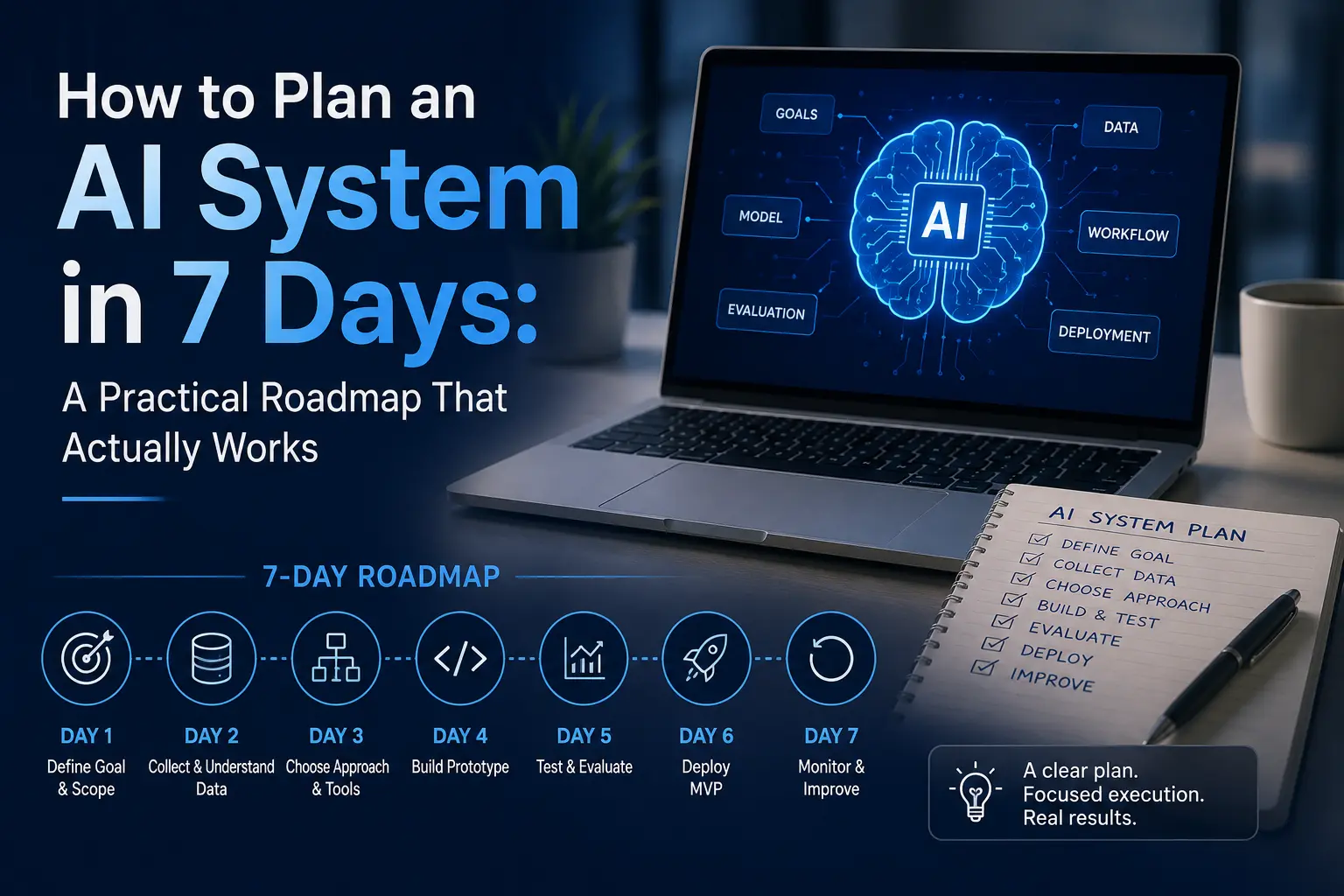
How to Plan an AI System in 7 Days: A Practical Roadmap That Actually Works
Planning AI system in a week is realistic if you follow the right order. This guide walks you through a practical, expert-tested 7-day AI planning roadmap.

What Jobs Will AI Replace by 2030? A Complete Expert Guide
Discover what jobs AI will replace by 2030, which careers are most at risk, and how to future-proof your skills with expert insights.
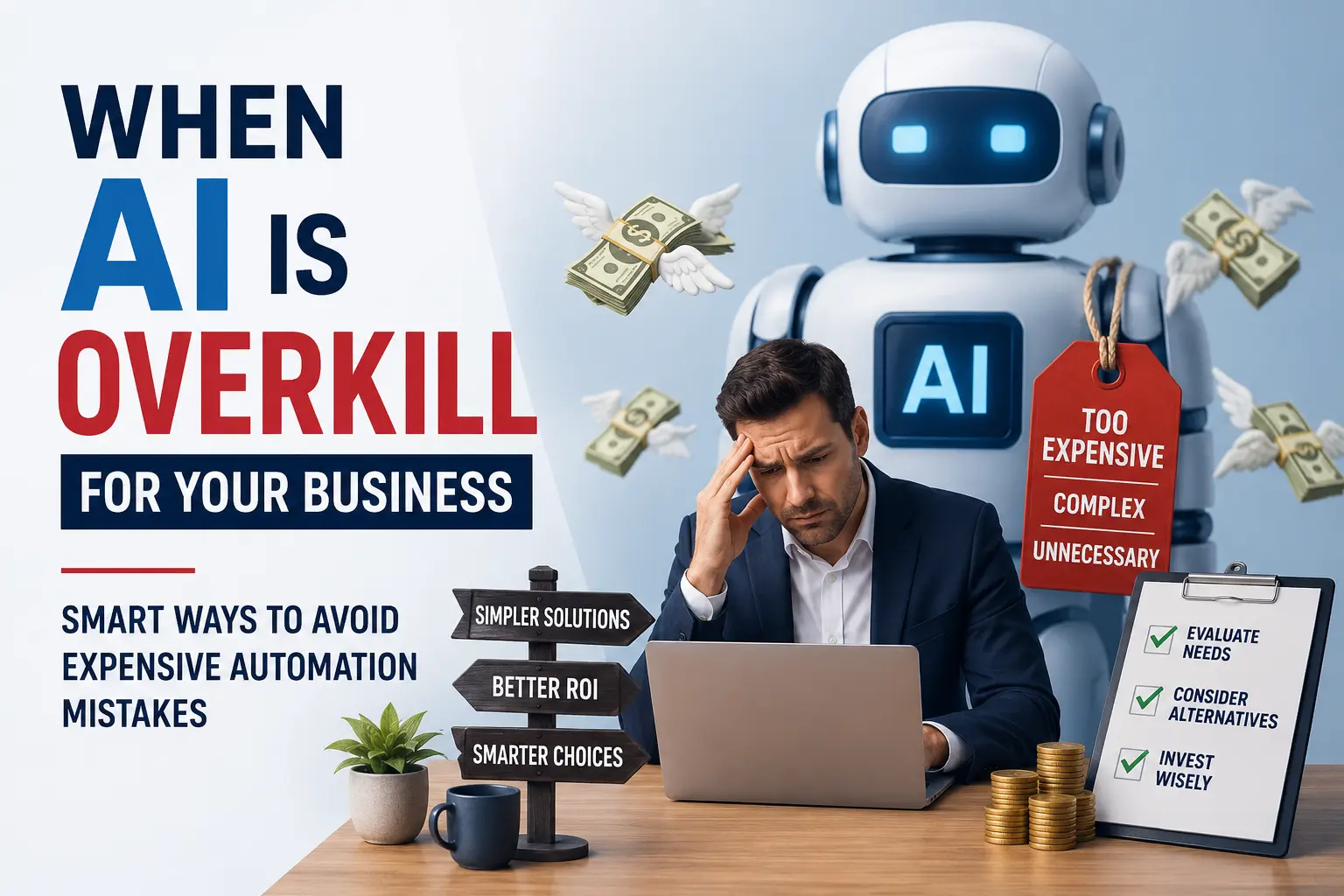
When AI Is Overkill for Your Business: Smart Ways to Avoid Expensive Automation Mistakes
Learn when AI is unnecessary for your business and how to avoid costly automation mistakes. Discover smarter, cost-effective solutions first.